Get a LinkedIn Headshot
Without a Photoshoot
Upload a few selfies. Get 40+ studio-quality LinkedIn headshots with your hijab perfectly preserved. Ready in 30 minutes, starting at $19.
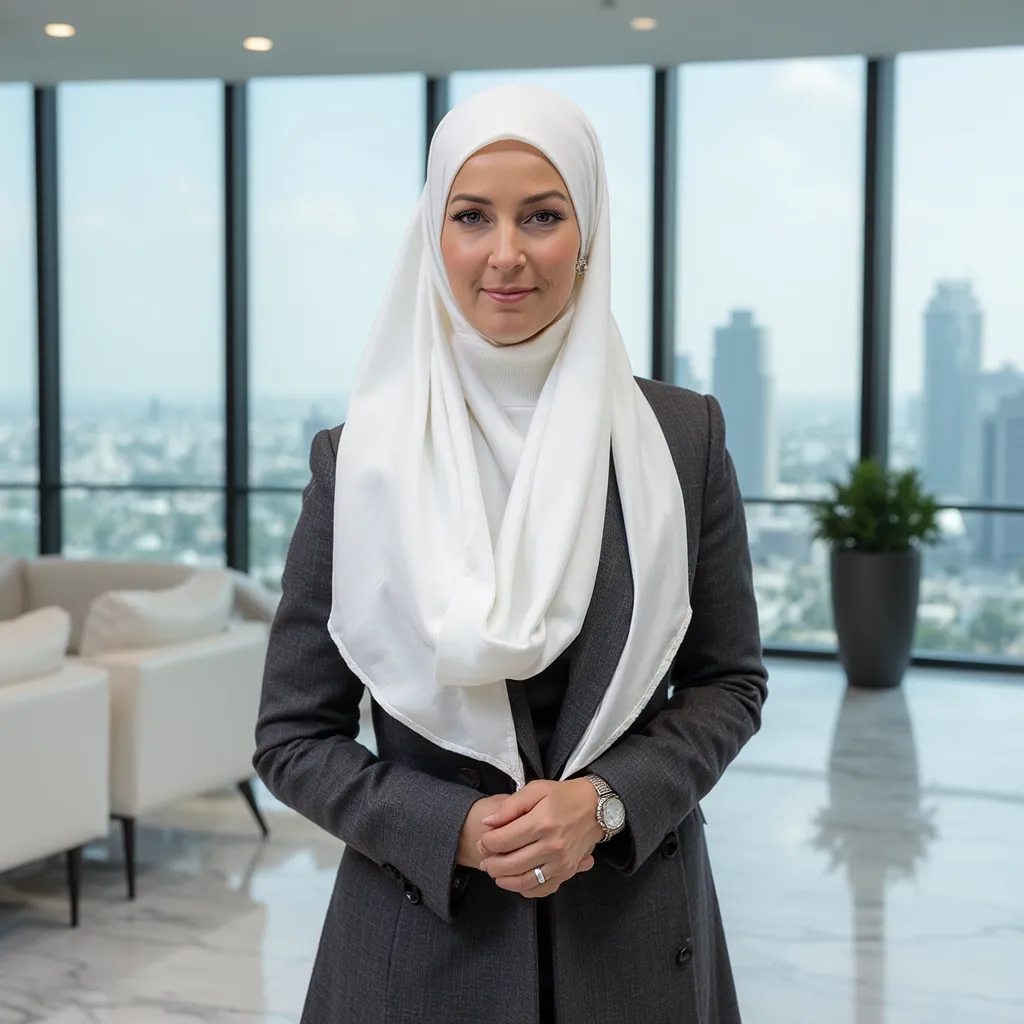
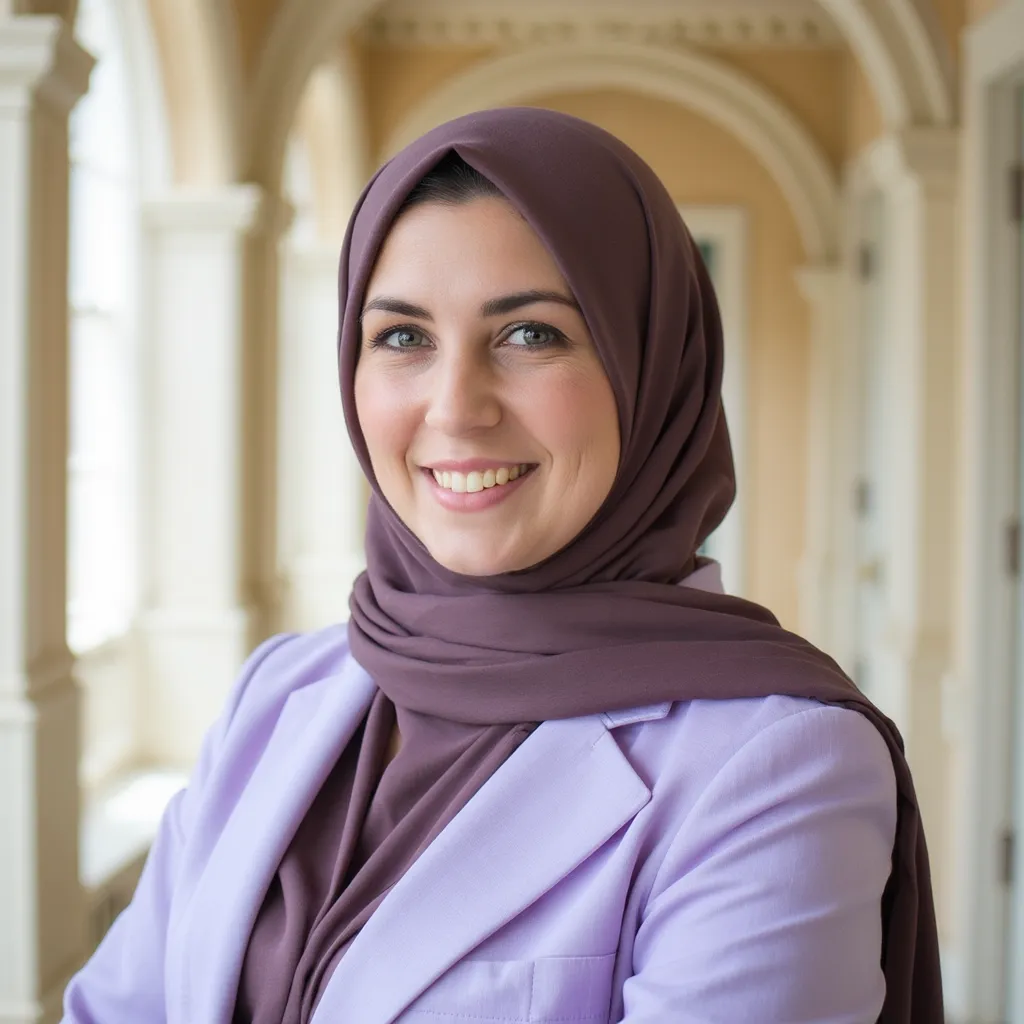
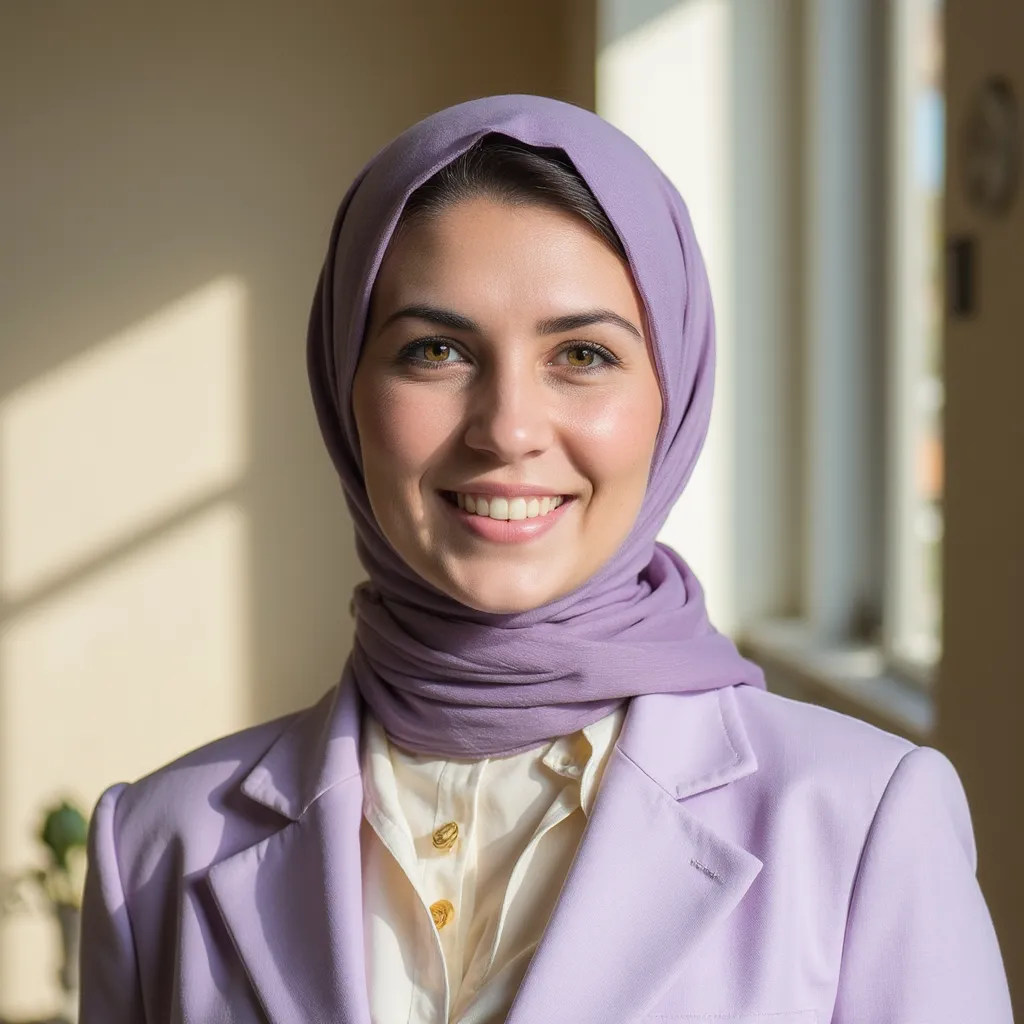
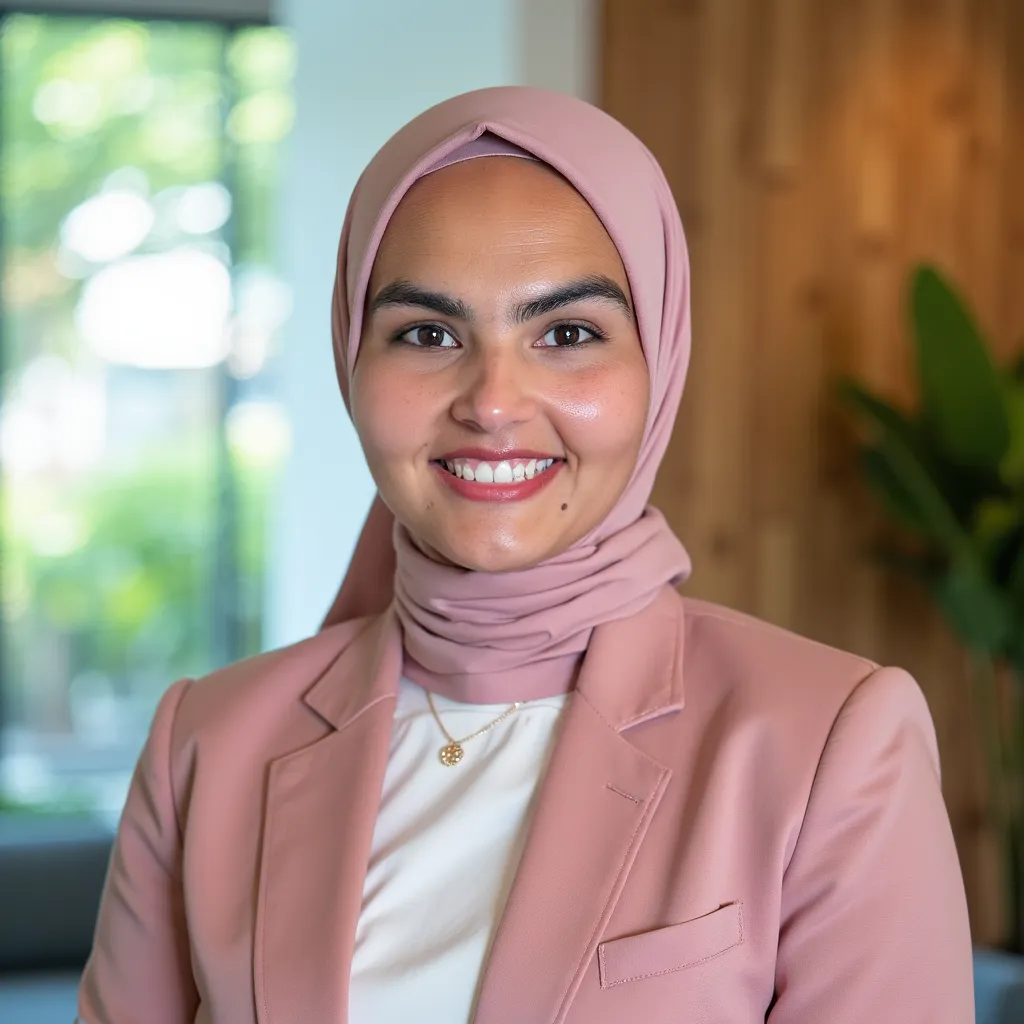
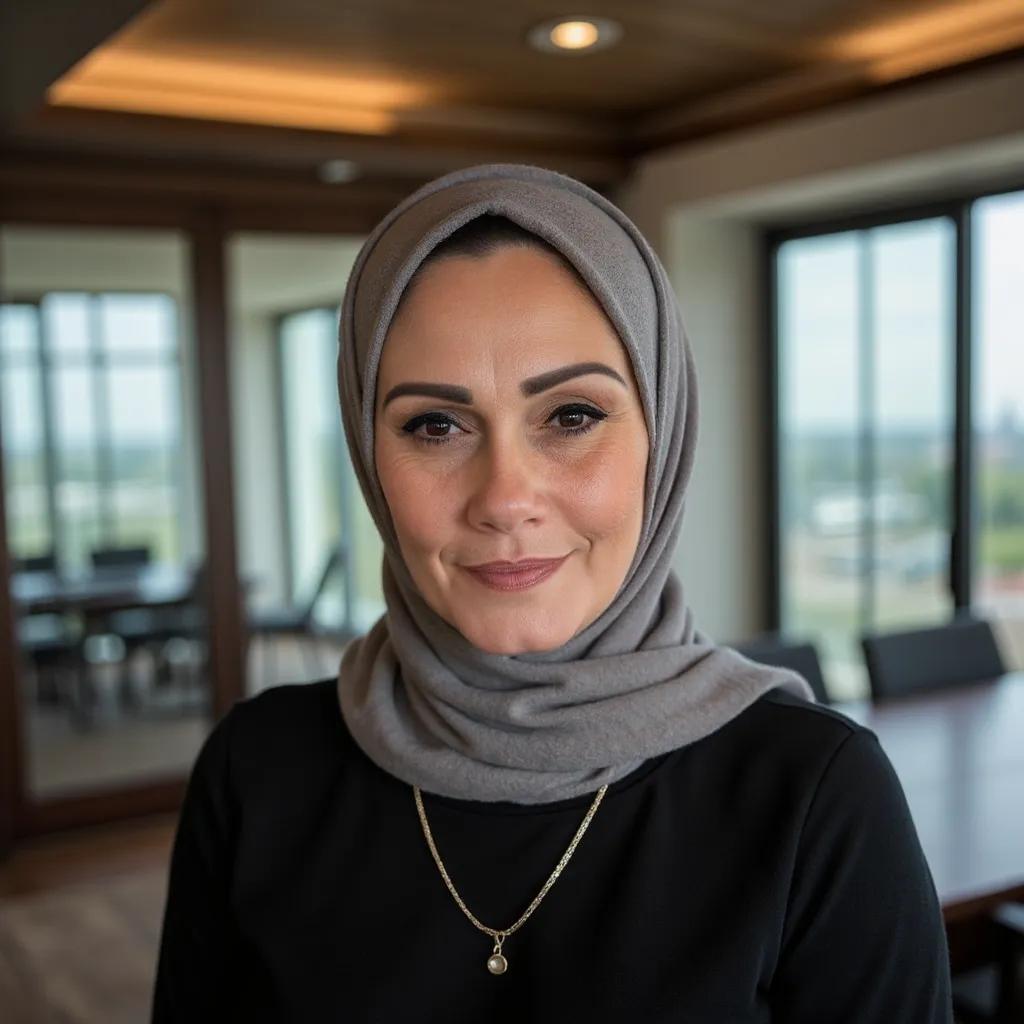
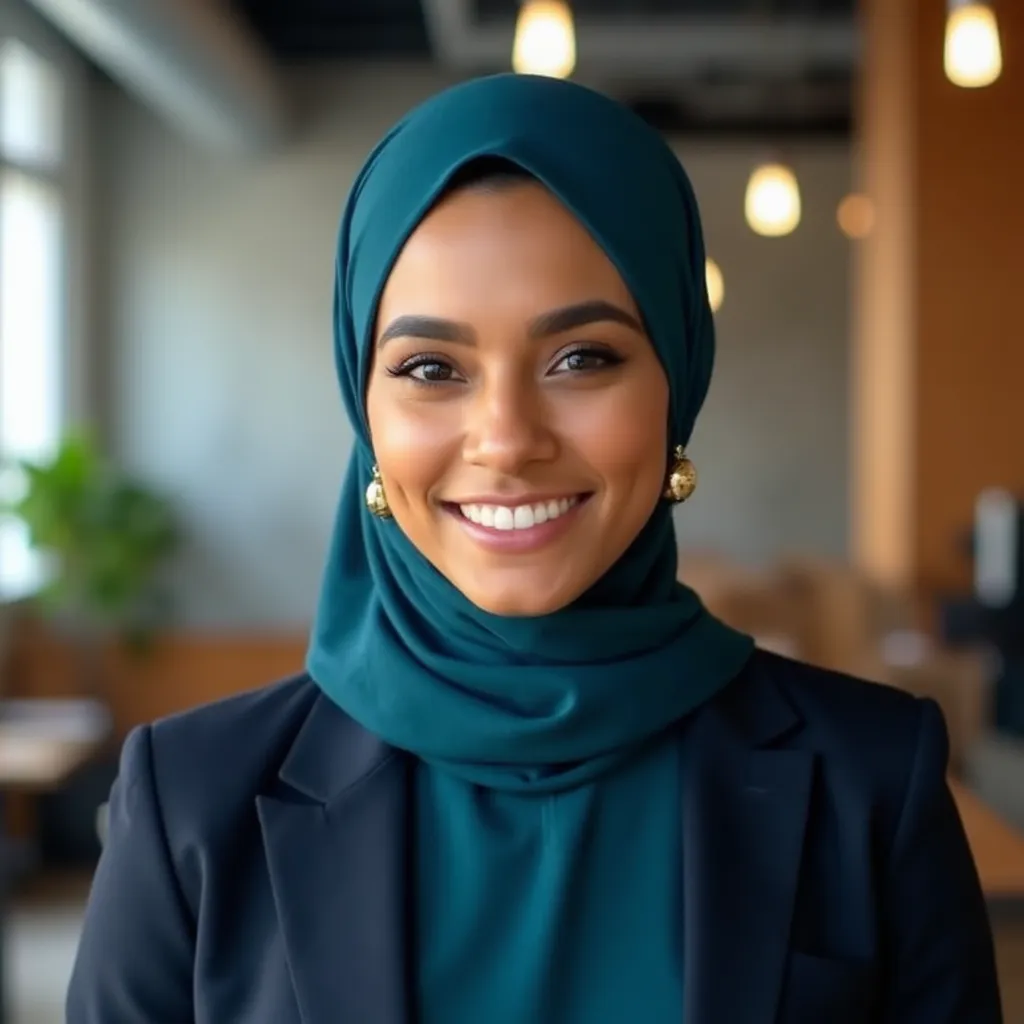
All photos are AI-generated. Your hijab is preserved in every image.
The problem
Most AI headshot tools remove your hijab
Generic AI headshot generators are trained on datasets that underrepresent hijab-wearing women. The result: your hijab gets removed, altered, or styled incorrectly. You end up with a headshot that doesn't look like you.
HijabHeadshots is built specifically to solve this. Our AI preserves your hijab exactly as you wear it in every single generated headshot.
Why this happens (technical deep-dive)How it works
LinkedIn-ready in 3 steps
Upload selfies
Upload 10-15 photos of yourself wearing your hijab. Different angles, lighting, and backgrounds give the best results.
AI generates 40+ headshots
Our AI learns your features and creates studio-quality headshots across multiple styles and backgrounds. Takes about 30 minutes.
Download your favorites
Pick the headshots you love. They're already square-cropped and optimized for LinkedIn. Upload directly to your profile.
What our customers say
“I updated my LinkedIn photo and got three recruiter messages the same week. The headshot looks like I spent $300 at a studio.”
Amina R.
Marketing Manager
“Every other AI tool removed my hijab or made it look wrong. This is the only one that kept it exactly how I wear it.”
Fatima K.
Software Engineer
“Used it for my LinkedIn and residency application. My program director complimented the photo. Nobody could tell it was AI.”
Sara M.
Medical Resident
Quick reference
LinkedIn headshot specs
What LinkedIn requires and what actually looks good. All HijabHeadshots outputs already meet these specs.
Aspect ratio
Square (1:1)
Minimum size
400 × 400 px
Ideal size
1024 × 1024 px
Format
JPG or PNG
Best backgrounds
Light gray, off-white, soft blue, charcoal
Framing
Head & shoulders, centered, small margin above head
All headshots from HijabHeadshots are automatically cropped and sized for LinkedIn. Learn which hijab colors photograph best.
Pro tips
Make your hijab LinkedIn headshot stand out
Solid colors over patterns
A solid-color hijab photographs cleanly at LinkedIn's small display size. Patterns can look busy.
Add a structured layer
A blazer or cardigan adds a professional silhouette that reads well in the circular crop.
Contrast with your background
If your hijab is dark, use a lighter background. If it's light, go with charcoal or navy.
Glasses? Tilt slightly
A small head tilt eliminates glare on lenses. Keep glasses clean before photos.
Upload variety
More variety in your upload photos = better AI results. Different lighting, angles, and expressions.
Generate multiple options
Pick from 40+ results. Having options means you can choose the headshot that feels most like you.
Your options
How to get a LinkedIn headshot
DIY at home
Free
- Phone camera + window light
- Manual crop and retouching
- Results depend on your setup
Good if you have great lighting and enjoy editing.
HijabHeadshots AI
$19
- 40+ LinkedIn-ready options
- Studio backgrounds, square crops
- Hijab preserved in every photo
- Ready in 30 minutes
- 100% satisfaction guarantee
Fastest path to a polished LinkedIn photo.
Photo studio
$150+
- In-person session with photographer
- Requires scheduling
- Ask for square, web-optimized files
Best if you prefer directed, in-person results.
Frequently asked questions
What size should my LinkedIn headshot be?
Will the AI preserve my hijab?
Which backgrounds work best for LinkedIn?
Are hijab headshots acceptable on LinkedIn?
How is this different from a regular AI headshot generator?
Can I reuse these photos for resumes and bios?
What if I'm not happy with the results?
Your LinkedIn deserves a real headshot
40+ studio-quality headshots with your hijab preserved. Ready in 30 minutes. Starting at $19 with a 100% satisfaction guarantee.
No subscription. One-time payment. You own every photo.